TiviMate Print

  • 0

TiviMate
Overview

TiviMate is one of the most advanced and easy-to-use IPTV apps available for Android TV devices. Its smooth performance and modern, intuitive interface make it the top choice among Android IPTV applications. The only notable limitation is that the app does not support VOD.

Key features include:
• Modern user interface designed for big screens
• Support for multiple playlists
• Scheduled TV guide updates
• Favorite channels
• Catch-up playback
• Subtitle support
• Program recording


How to Set Up an IPTV Playlist in TiviMate

Add a playlist
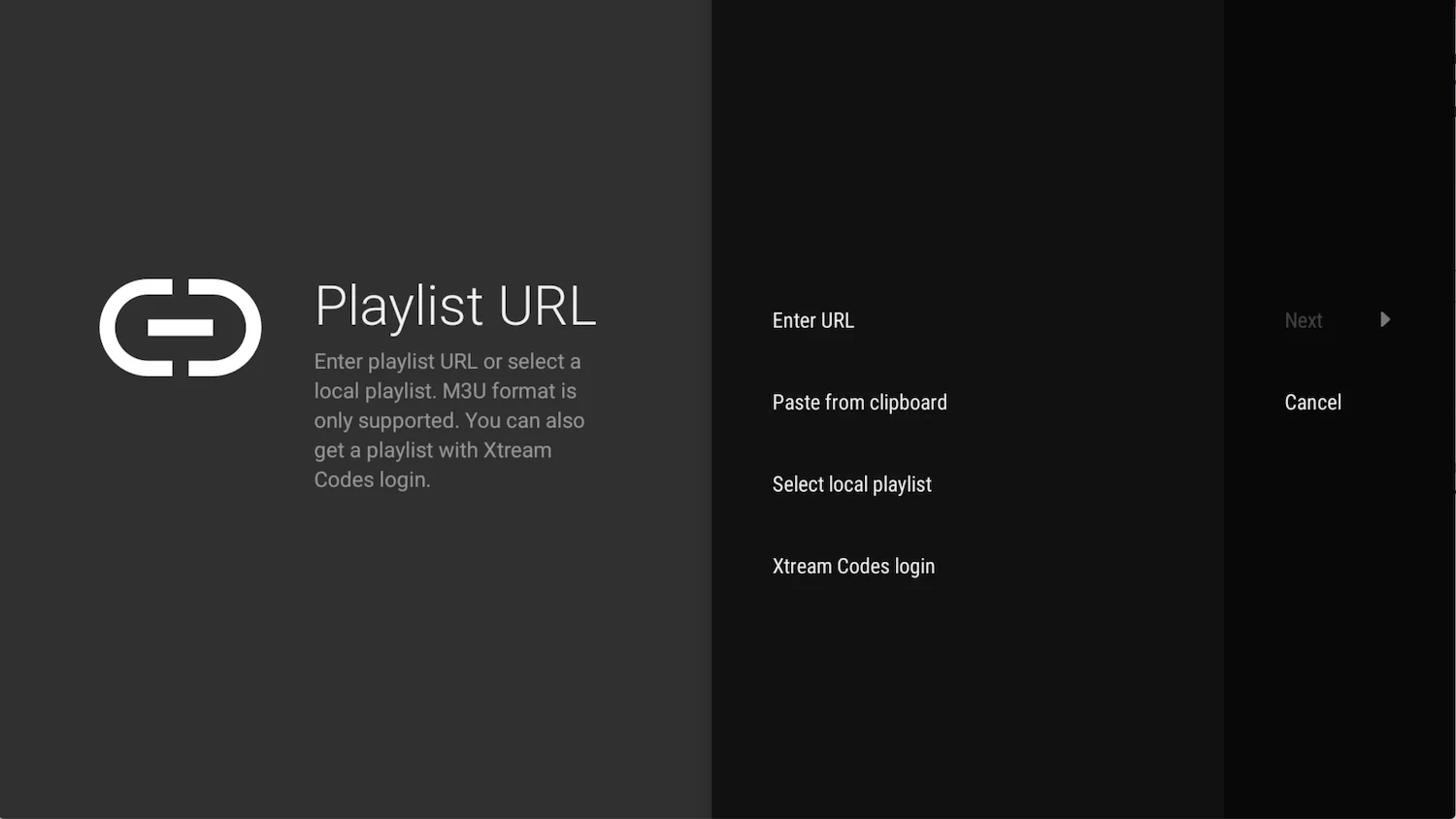
After installing the IPTV app, open it and select Add Playlist.
You can add a playlist using any method—downloading an M3U file (local playlist), entering a remote playlist URL, or logging in via Xtream Codes. We recommend using the Xtream Codes method.

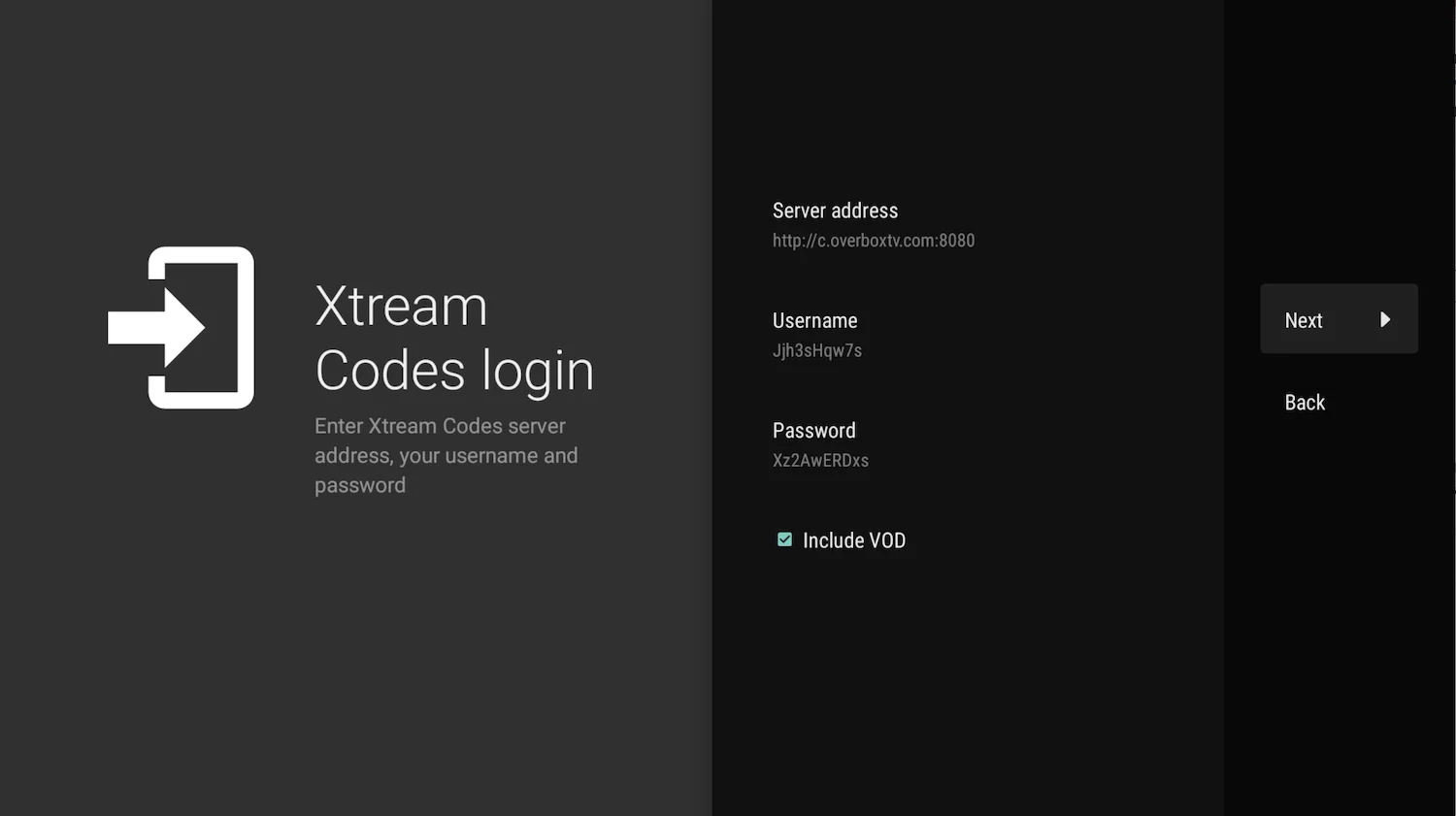
Enter Xtream Codes details
Choose Xtream Codes Login and enter the connection details provided by your IPTV service provider. Then select Next.
 

Choose a name for the playlist
TiviMate will automatically use the server domain as the playlist name. You can change this to any name you prefer, then select Done.


Was this answer helpful?

« Back